

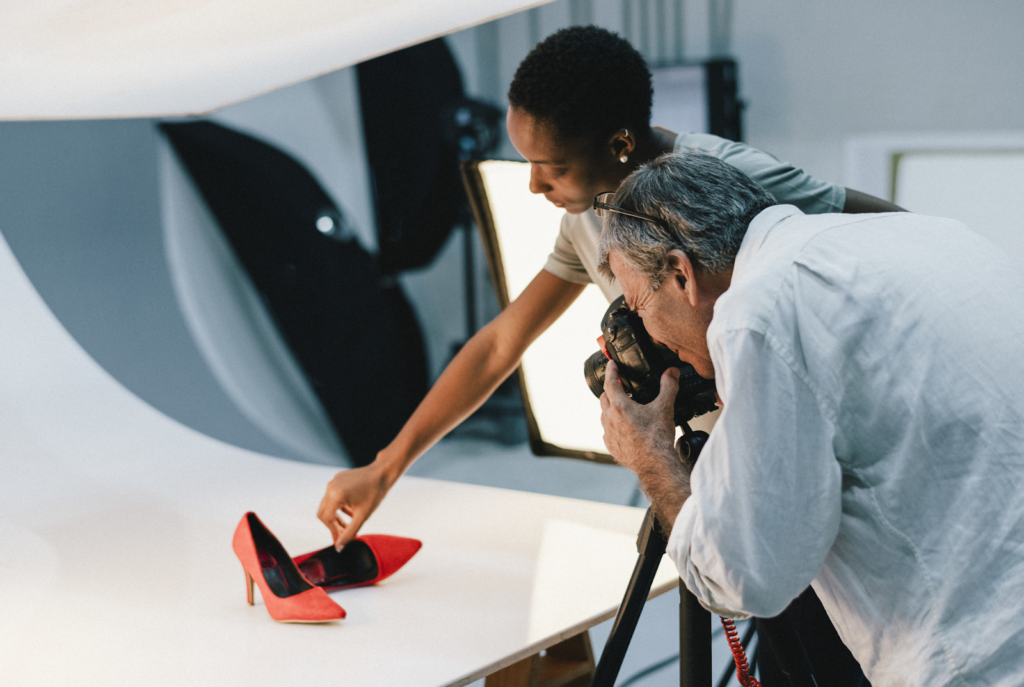
There’s no denying that people are inherently visual, but what about when it comes to shopping. When you do your online shopping, how much do you rely on photos? It turns out that an average of 60% of US shoppers need to see 3-4 photos before clicking buy.
Product photos play an important role in the decisions we make. A striking image can go a long way with advertisements if you’re the one behind the lens. How can you ensure your product photos pop and generate leads and sales though?
Put our guide in focus. Keep reading to learn how to take stunning product photography.
Table of Contents
Use Your Smartphone’s Camera
You don’t have to worry about buying a fancy DSLR camera anytime soon—the smartphone in your pocket will do just fine. A newer generation smartphone will come equipped with a powerful lense and plenty of settings to create the look you’re after.
If you’ve seen Apple’s campaign where everything was shot on the iPhone, then that’s all the evidence you need, right?
Use a Tripod
If you want consistency in your product photos, don’t rely on propping up your smartphone or camera. It’s worth it to get your hands on a tripod.
You never know what angle you’ll need. You can go the more traditional route or get a flexible one. You can create some interesting shots this way by bending its legs and wrapping them around objects.
Lighting
If you want to sell products, then pay attention to lighting. What mood are you trying to convey to the customer? If your customer base is online, this is even more important, right?
Natural
Natural light is simply sunlight or “soft light”. Use this type of lighting if the products you’re selling are meant for outdoor use. Keep in mind that people often look better in natural lighting too.
You may also want to emphasize the product’s surroundings.
Artificial
Artificial lighting is when you’ll use light bulbs, candles, and fire. You may hear it described as “hard light” too.
To highlight your product’s details, we recommend using artificial lighting. Don’t combine natural and artificial, stick to one look throughout. You may need to bounce or soften shadows as well.
Editing
Once you’ve got several images you fancy, it’s time for photo editing. You may need to color correct, crop, or spot heal. Once you’ve got the basics down, follow these steps to learn some advanced techniques.
Make Your Product Photos Pop
We think the best way to learn is by doing. As a beginner, try setting up a shop on social media. Use what you’ve learned in our product photos guide and generate some sales.
As you list more items, you’ll continue your success. We can’t wait to see how you do!
For all your business and creative needs, you’re in the right spot. Be sure to read our blog for much more.