

Searching for an Instagram private viewer can lead to viral posts, videos, and websites claiming they can reveal locked profiles, hidden Stories, or photos that an account owner has chosen not to share publicly. Some even promise access without sending a follow request.
The reality is different. No legitimate Instagram private viewer can simply bypass an account’s privacy settings. If someone makes an Instagram account private, you generally need to be an approved follower to see protected posts, Reels, and Stories.
That does not mean every Instagram viewing tool is misleading. Public-content viewers and downloaders serve legitimate purposes. The key is learning how to check a tool’s claims before using it.
Table of Contents
Step 1: Check What the Tool Claims to Do
Before trying any Instagram viewer, read its claims carefully. A legitimate public-content tool should explain what types of Instagram media it supports and acknowledge that private content remains restricted.
Be skeptical if a website promises to:
- Unlock any private Instagram profile
- Reveal private Stories without follower approval
- Access hidden Reels or archived posts
- Recover deleted photographs from another account
- Bypass Instagram privacy settings automatically
Instagram’s privacy controls are enforced through its systems. Restricted content is not simply hidden behind a visual layer that another website can remove.
A polished interface, positive testimonials, or a viral demonstration does not prove that a service can access protected media.
Step 2: Determine Whether the Content Is Public or Private
Before choosing a viewer, check whether the Instagram account and content you want to access are actually public.
Public Instagram accounts can make profile information, posts, Reels, Stories, Highlights, and other media accessible to a wider audience. Availability can still vary depending on Instagram’s current restrictions.
Private accounts are different. Basic information such as a username, profile picture, biography, and account statistics may remain visible, but protected posts and Stories are generally limited to approved followers.
For public Stories, the Grabfy Story Viewer provides a browser-based option for exploring supported Instagram Story content. Its purpose is different from a supposed private-account unlocker because it works with publicly accessible Stories rather than claiming to override privacy settings.
Step 3: Examine Viral Demonstrations Carefully
If you discovered the tool through a viral video or social media post, examine the demonstration before believing its claims.
The person recording the video may already follow the supposedly private account. The images could have been obtained previously, or the footage could have been edited. Without independent verification, a recording does not establish that the viewer bypassed Instagram’s permissions.
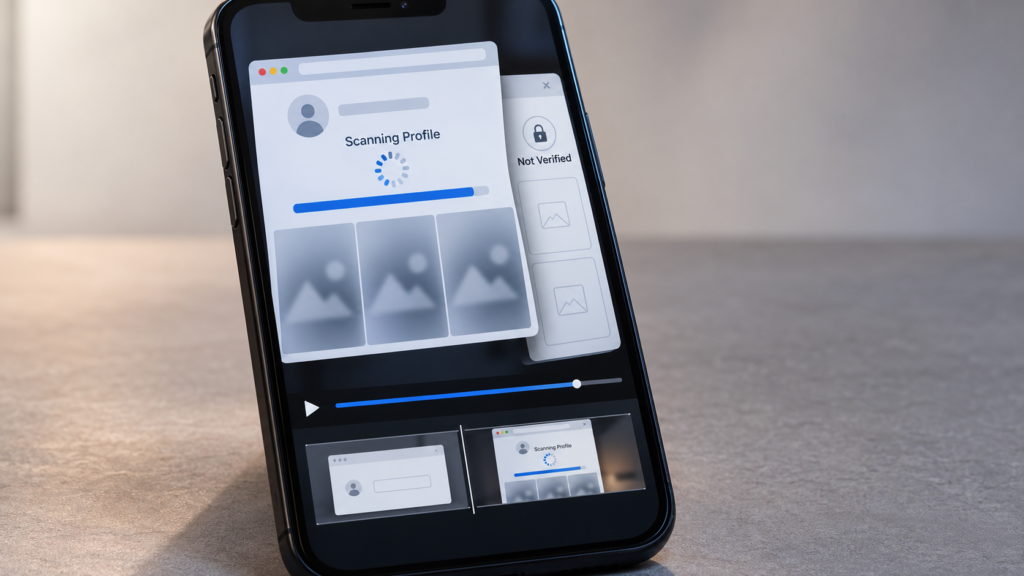
Also watch for fake scanning interfaces. A website may display messages such as “Scanning Profile,” “Connecting to Instagram,” or “Private Content Found.”
Progress bars, blurred thumbnails, and generic previews can create the impression that restricted media has been discovered. These visual elements are not evidence of genuine access.
Step 4: Check for Human Verification or Survey Traps
Pay attention to what happens after the website supposedly finds the private profile.
Some services announce that content has been located but require “human verification” before displaying it. Visitors may then be asked to complete surveys, register for unrelated services, download applications, or provide contact information.
Completing those tasks does not grant permission to access someone’s private Instagram content.
A normal security check is not automatically suspicious. The warning sign is a repeated verification process tied to an unsupported promise of revealing restricted media.
If every completed task leads to another verification page instead of the promised content, stop using the service.
Step 5: Check Whether It Requests Instagram Credentials
Never provide your Instagram password or two-factor authentication code simply to unlock another person’s profile.
A public Instagram viewer does not need your personal Instagram password merely to retrieve supported public media. Pages requesting credentials may be attempting to capture account information.
Some phishing pages closely imitate Instagram’s login screen, so always check where you are entering your credentials.
If you have already shared your password with a suspicious service, change it through Instagram, review active login sessions, enable two-factor authentication, and remove unfamiliar connected applications.
Step 6: Decide What You Actually Need the Tool to Do
Before continuing, identify your real goal. Many people searching for private Instagram viewers simply want to browse public Stories without signing in, save a public Reel, archive their own media, or collect permitted creative references.
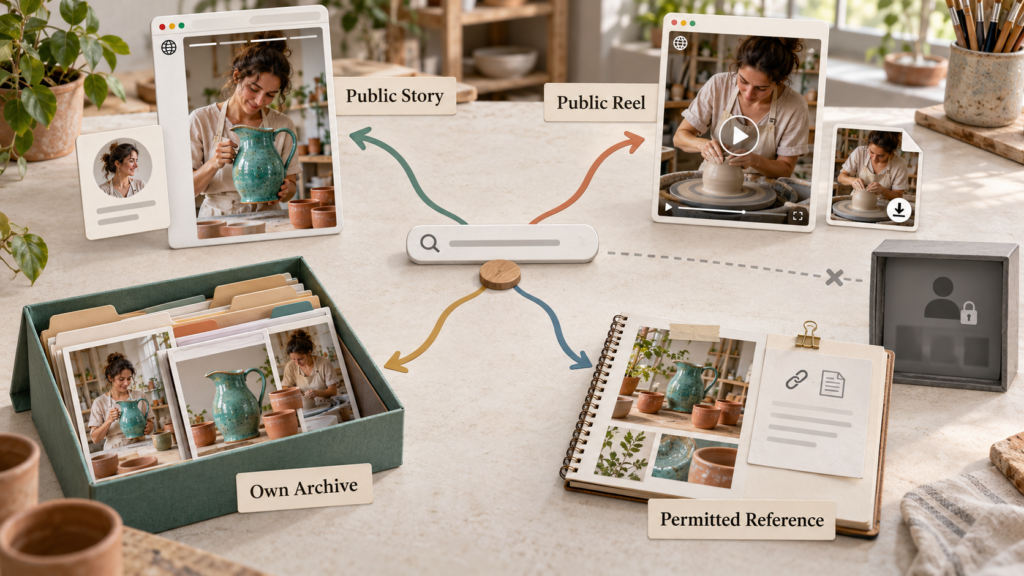
For these legitimate public-content tasks, Grabfy.com provides a practical browser-based starting point for supported Instagram media. Grabfy is useful because it focuses on accessible Instagram content instead of depending on questionable private-account unlocking claims.
A social media manager, for example, may want to review publicly shared campaign material. A creator may need to preserve copies of their own published content. A researcher may want to examine public Stories without repeatedly switching between Instagram accounts.
Choosing a tool based on a realistic task is more useful than choosing one simply because it advertises the most dramatic features.
Step 7: Check for Suspicious Downloads
Some viral private viewers require users to install browser extensions, desktop programs, or mobile applications before revealing the promised content.
Treat unfamiliar software carefully. An application may request excessive permissions, monitor browsing activity, display intrusive advertising, or collect information unrelated to Instagram viewing.
Ask whether installing software is actually necessary for the task. Viewing supported public Instagram content through a browser should not normally require a mysterious application that claims to bypass Instagram’s privacy controls.
Browser-based viewing can reduce the need to install additional software, although you should still review the website’s privacy practices.
Step 8: Check for Unexpected Payment Requests
Another warning sign is a website that initially advertises free private-profile access but suddenly requires payment.
The service may claim that private photographs have already been found and that a one-time payment or subscription is required to reveal them.
Paying does not change Instagram’s access permissions. A private account remains restricted unless the account owner grants appropriate access.
Avoid entering payment details into unfamiliar websites that base their offer on an unrealistic private-account unlocking claim.
Step 9: Review the Tool’s Privacy Practices
Even when a viewer does not require an Instagram login, that does not automatically mean the browsing session is completely private.
Third-party websites may process technical information such as IP addresses, browser details, cookies, or submitted usernames.
Before using a viewer, check whether the service explains what information it collects and how that information is handled. Avoid providing unnecessary personal details when the tool only needs a public Instagram username or supported link.
Anonymous Instagram viewing generally refers to viewing supported public content without using your personal Instagram account. It should not be interpreted as a guarantee of complete online anonymity.
Step 10: Use the Appropriate Method for Private Instagram Accounts
If the profile you want to see is genuinely private, the legitimate solution is straightforward: send a follow request and wait for the account owner’s decision.
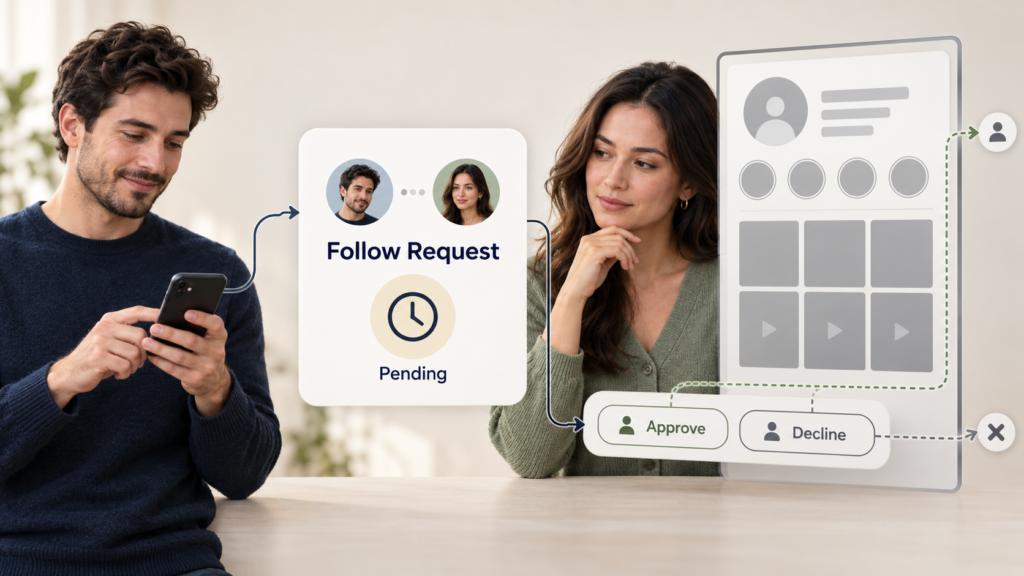
If you need a particular photograph, Reel, or Story, you can also contact the creator and ask whether they are willing to share it.
Creating another account, switching to incognito mode, using airplane mode, or changing your IP address does not provide special permission to access private posts.
If the account owner declines or ignores the request, respect that decision rather than searching for another tool that promises to bypass it.
Step 11: Check Content Rights Before Downloading
Public availability does not automatically mean Instagram content is free to reuse.
Photos, Reels, Stories, and videos may remain protected by copyright even when anyone can view them. Saving a public post for personal reference is different from republishing, modifying, or commercially using it.
Creators, marketers, and researchers should obtain permission when necessary and keep track of original sources when maintaining content archives.
Final Check Before Trying an Anonymous Instagram Viewer
Before using a viral Instagram viewer, confirm that its claims match what Instagram’s privacy controls realistically allow. Look for clear public-content limitations, transparent functionality, reasonable privacy practices, and no unnecessary credential requests.
Avoid tools that promise guaranteed private-account access, display fake-looking unlock sequences, demand repeated surveys, request unexpected payments, or require suspicious software.
Following these checks makes it easier to separate useful public-content tools from misleading private viewer claims while protecting your account information and respecting other users’ privacy.